Chrome has retired unload by default. Here is what to check in your app.
Chrome 155 changes an old assumption about leaving a page. Audit saving, analytics, and cleanup separately before replacing an event handler.
550 wordsAbout 3 min read
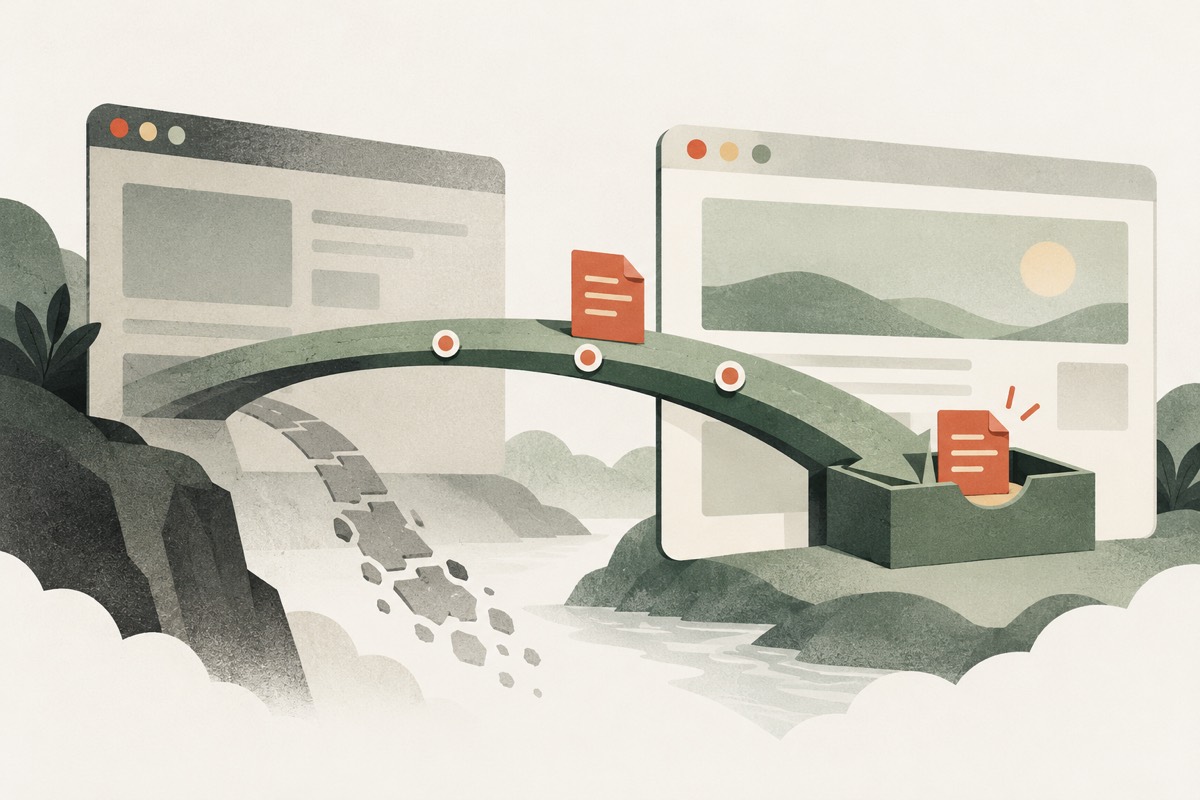
Chrome's October 16, 2026 announcement says that its deprecation of the unload event is complete as of Chrome 155: handlers no longer run by default. Exceptions include sites using supported opt-outs, while Chrome on iOS can behave differently because it uses WebKit. The practical question for a development team is whether anything important still depends on a final callback when a visitor leaves. Read Chrome's announcement.
Our recommendation: classify each handler by its purpose before choosing a replacement. Saving a document, recording an analytics event, and releasing a resource need different guarantees. A blanket search-and-replace can preserve the wrong assumptions.
Start with a focused inventory
Search application code for unload, onunload, and wrappers that register lifecycle listeners. Include analytics integrations and older UI packages in the review. Record what each handler changes, which data could be lost, and who owns it. Do not assume the absence of a listener in your own source means a dependency never registers one.
Prioritize handlers that hold the only copy of user work. Next inspect anything that changes a server-side session or transaction. Cosmetic cleanup can wait until you understand those paths. This ordering is an editorial recommendation based on the consequence of a missed callback, rather than a browser requirement.
Save meaningful work before departure
A page becoming hidden is an earlier opportunity to persist state. MDN describes the transition to hidden as the last reliably observable lifecycle transition, including when a visitor switches tabs or moves to another mobile app. That makes visibilitychange useful for saving a checkpoint. It does not mean that every hidden page has been permanently closed. See the visibility event guidance.
For an editor, our suggested design is to save periodically while the person works and use the hidden transition as an additional checkpoint. Give saved revisions stable identifiers so repeated attempts can be reconciled. If server confirmation matters, show the difference between pending and confirmed changes while the page is still active. Do not make a last-second callback the sole boundary between saved and lost work.
Treat analytics delivery separately
For a small analytics payload, navigator.sendBeacon() can queue an asynchronous HTTP POST without holding up the next navigation. Its return value indicates whether the browser accepted the data into its queue; it is not an application-level acknowledgement from your server. The API also has payload constraints and does not expose the response. Read the sendBeacon reference.
Our implication for event design: attach a session or event identifier and decide how duplicate checkpoints should be counted. A tab can become hidden and visible repeatedly. Recording every hidden transition as a completed purchase or a unique session would confuse a visibility signal with a business outcome.
Verify navigation, not just tab closing
The browser's back/forward cache can preserve a page for restoration, so leaving it is not always destruction. Chrome's guidance recommends checking whether pages can use this cache. Read the back/forward cache guide.
A useful manual review covers editing, switching tabs, returning, navigating away, and using Back. Confirm that pending work is retained and restored pages remain usable. Check analytics for duplicate events and repeat relevant flows on mobile. These are proposed verification steps; Dentry has not tested your application. Remove a legacy handler only after its responsibility has an explicit replacement or is shown to be unnecessary.
Further reading & references
- Chrome for Developers: Unload event deprecated in Chrome
- MDN: Document visibilitychange event
- MDN: Navigator.sendBeacon()
- web.dev: Back/forward cache
Our reporting draws on the sources above. Product details and availability can change.